Private intimacy tracker · iPhone / Apple Watch / iPad
A tender place for your sex life.
Do? logs every encounter in honest detail — time, mood, heart rate, photos. All on your device. No account. Your data stays yours.
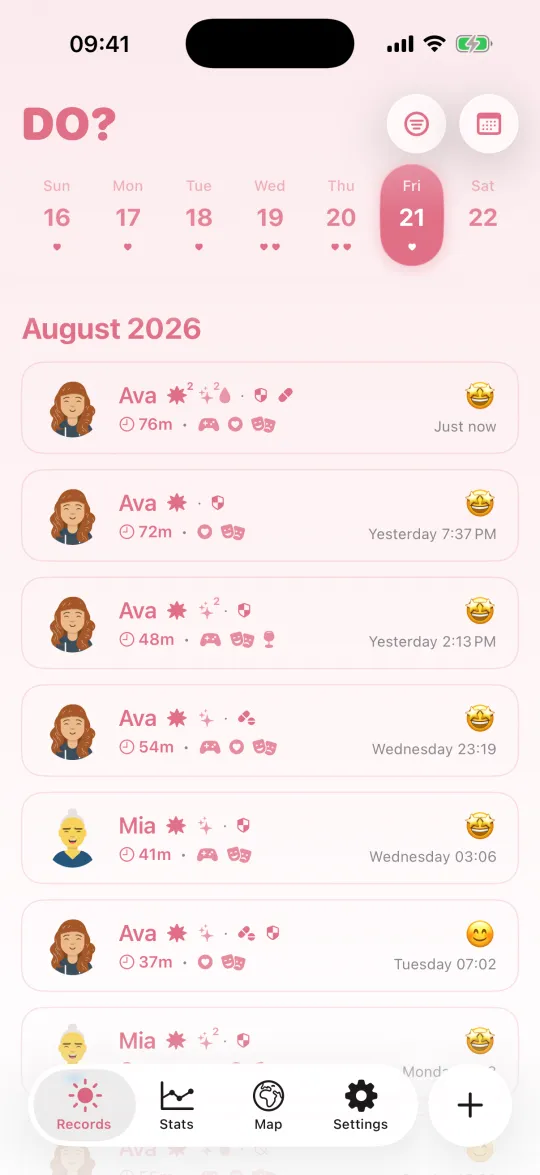
Do? logs every encounter in honest detail — time, mood, heart rate, photos. All on your device. No account. Your data stays yours.
No account. No cloud profiling. Your records never leave your control.
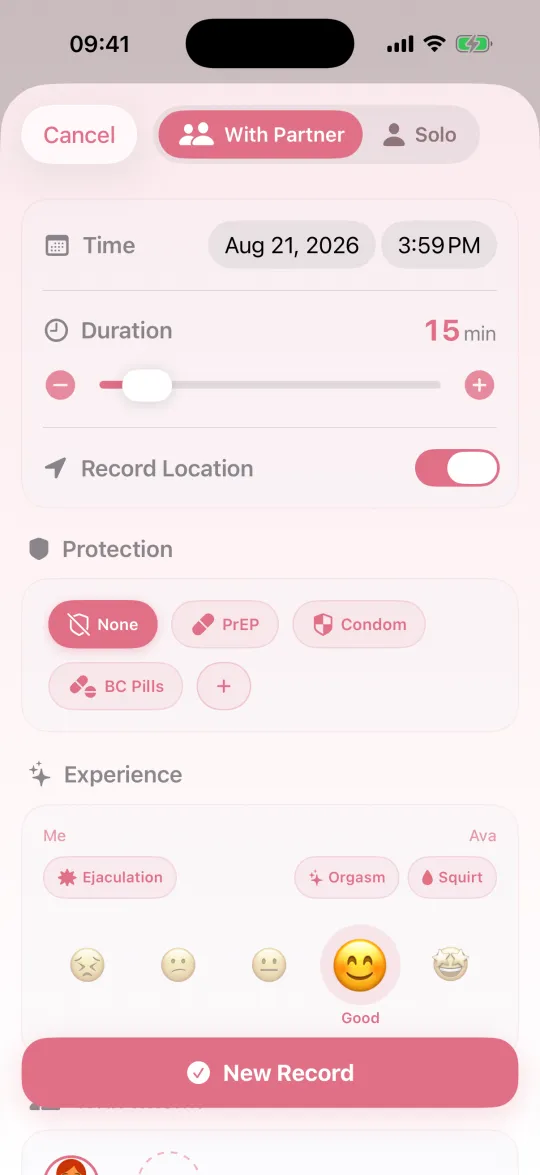
Partner or solo, duration, protection, postures, place, ejaculation location, rating and mood. Log what matters, skip what doesn't.
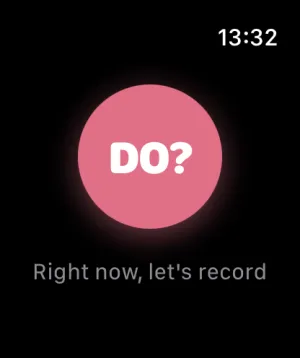
Add the complication to your watch face and start from your wrist — fourteen looks to choose from. Or say it to Siri, find it in Spotlight, run it from Shortcuts or the Action button, or just press and hold the app icon.
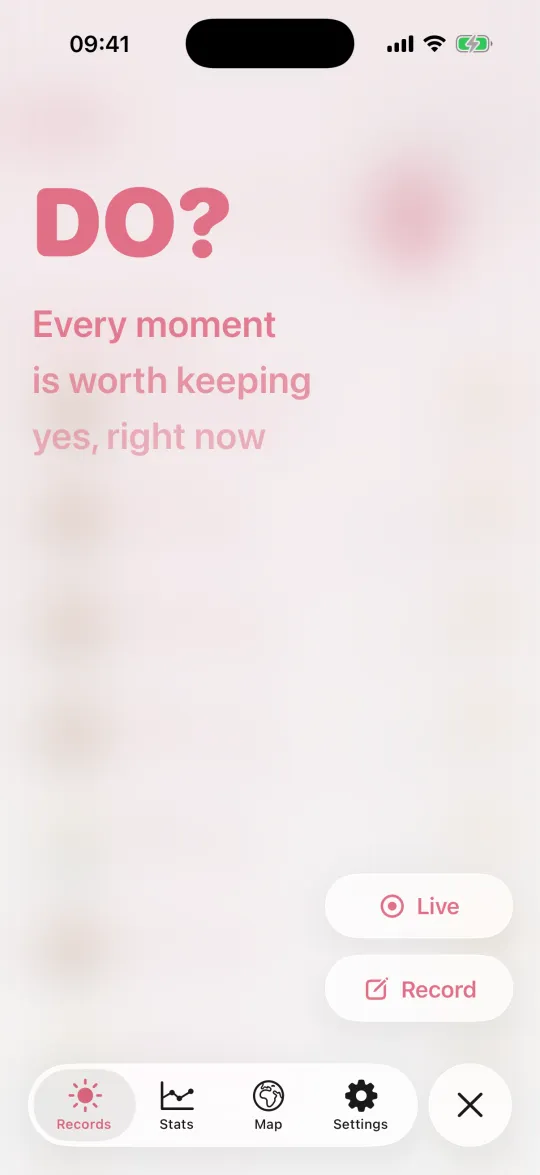
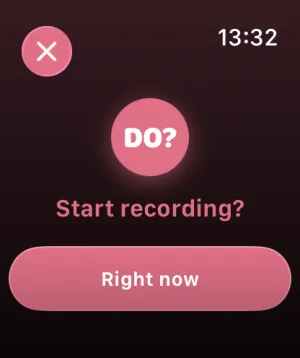
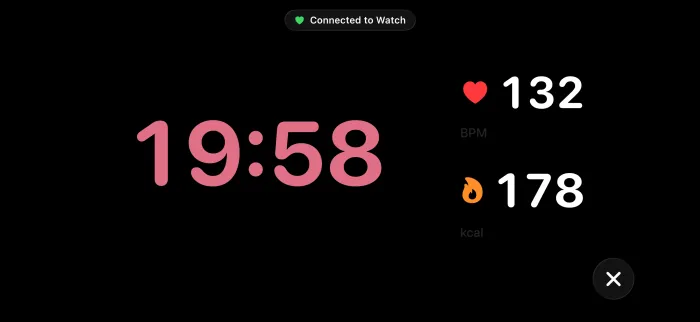
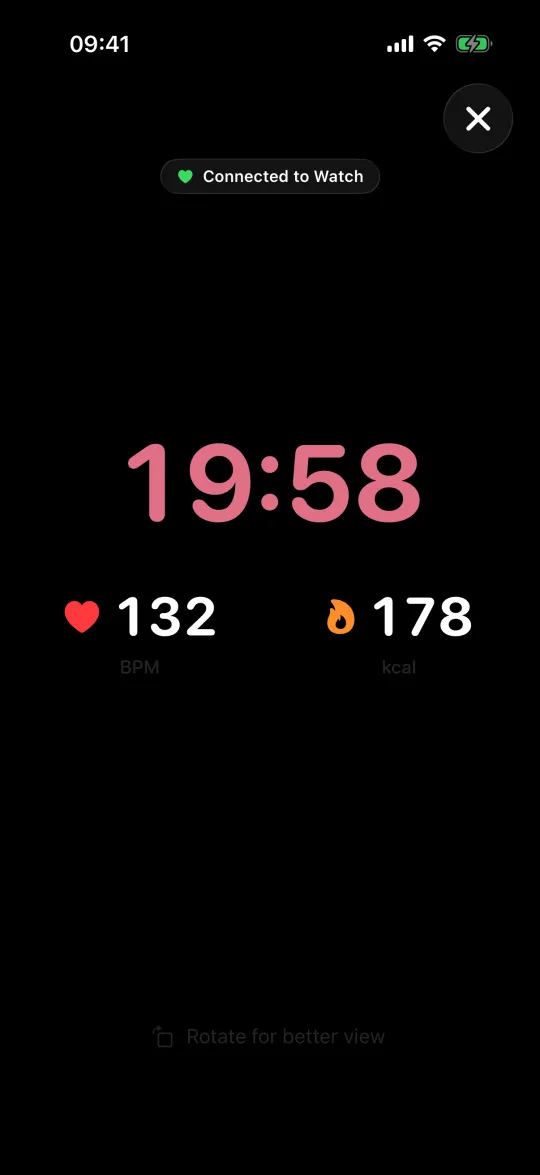
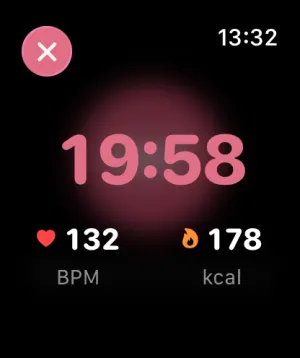
Tap start on your iPhone or your Apple Watch and the timer, heart rate and calories climb in real time — with a live pulse on the Lock Screen and in the Dynamic Island while you go. Turn the phone sideways for the big view. When you stop, it all flows back into the record, and into Health as a workout.
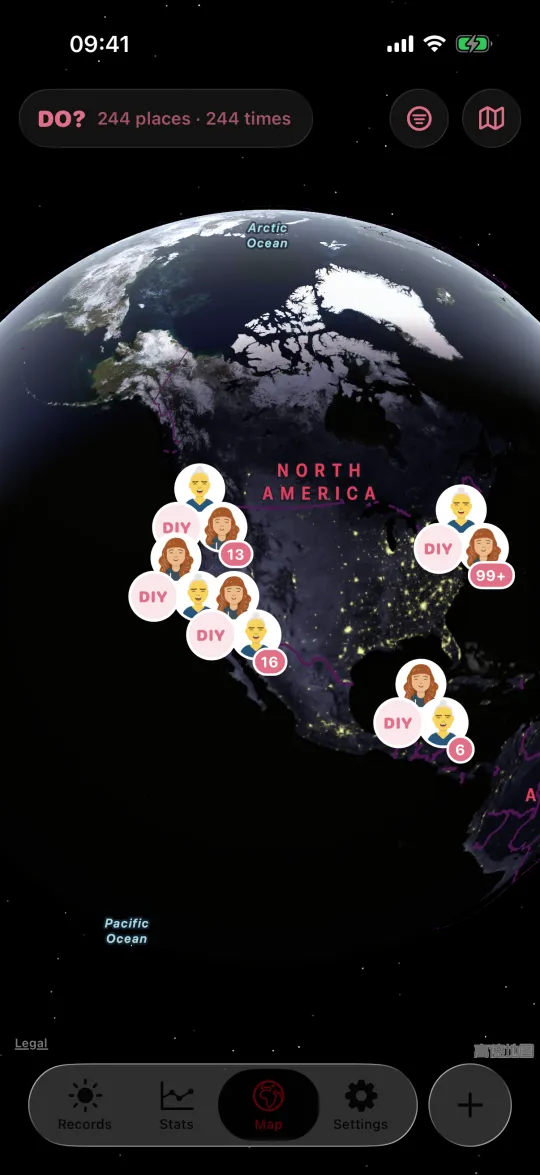
Every record you let keep its spot lands on a real map, and the faces gather into clusters — one look reads a whole chapter. Zoom out to the globe or down to the street, and tap a place to read back what happened there. Located records keep the weather of the moment too. Location is always yours to leave off.
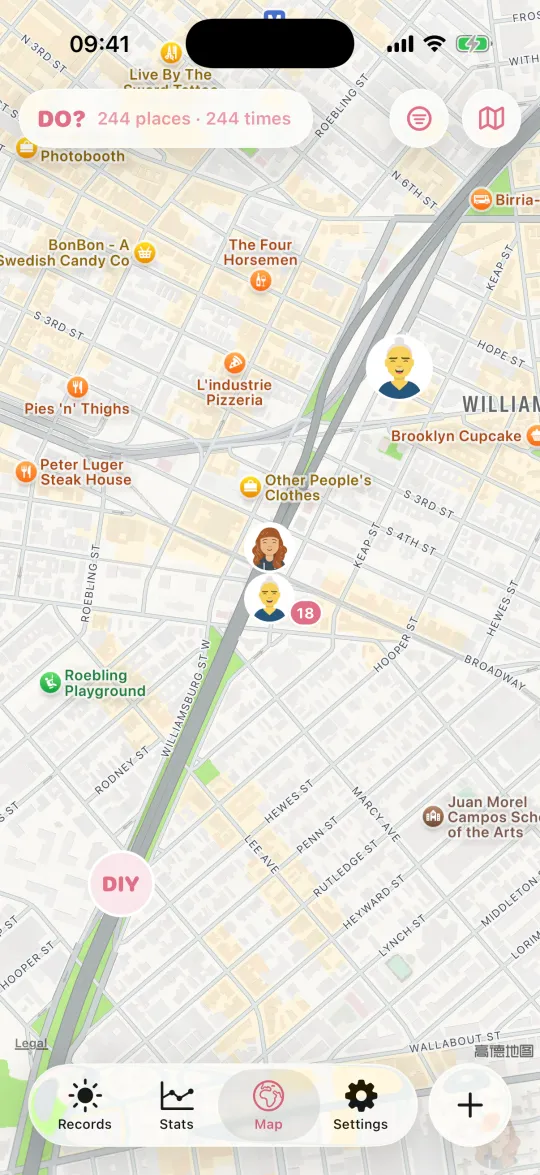
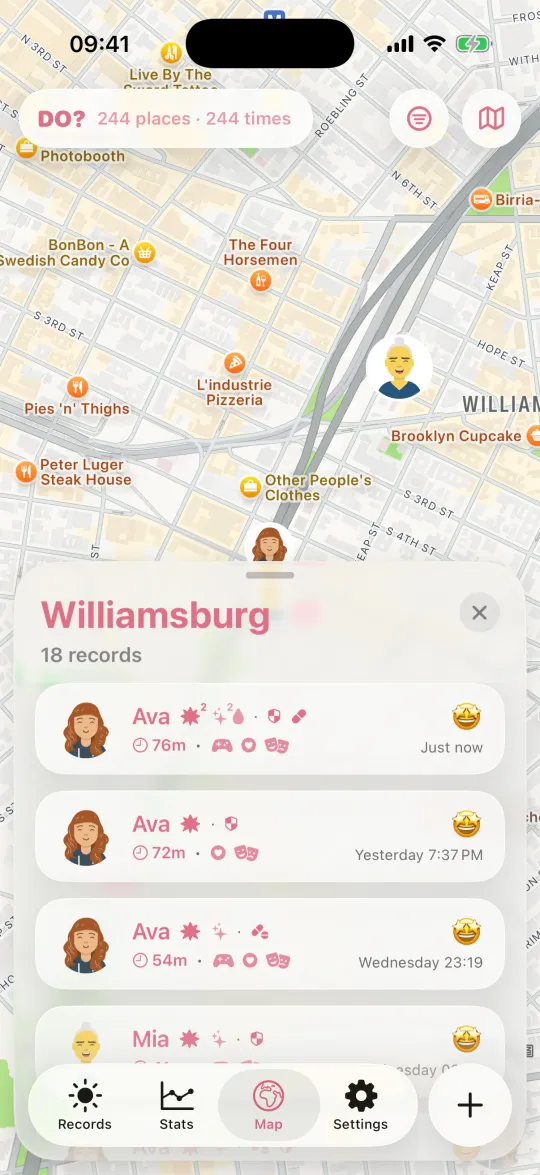
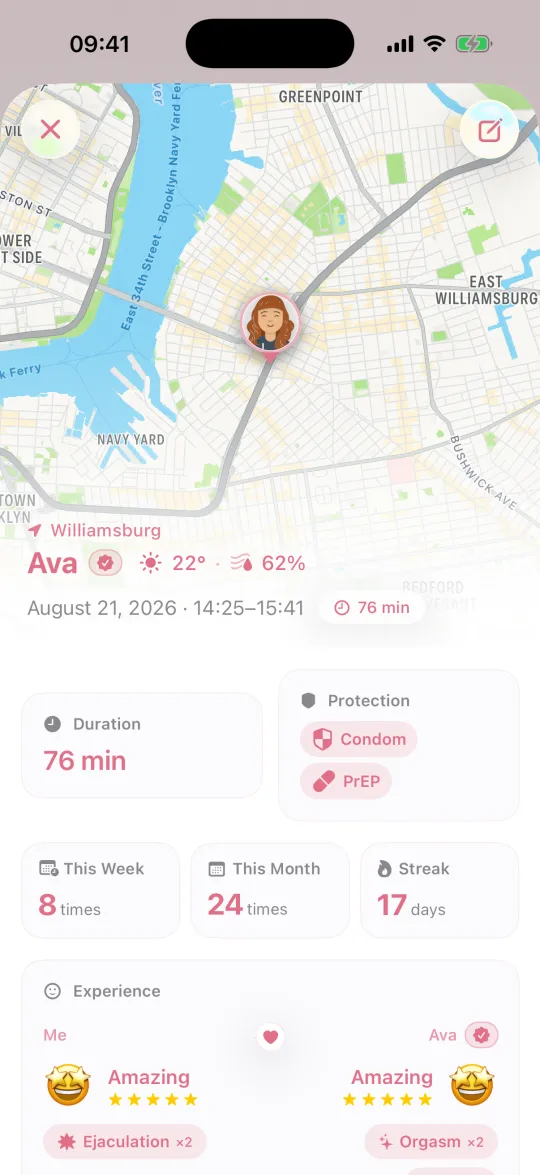
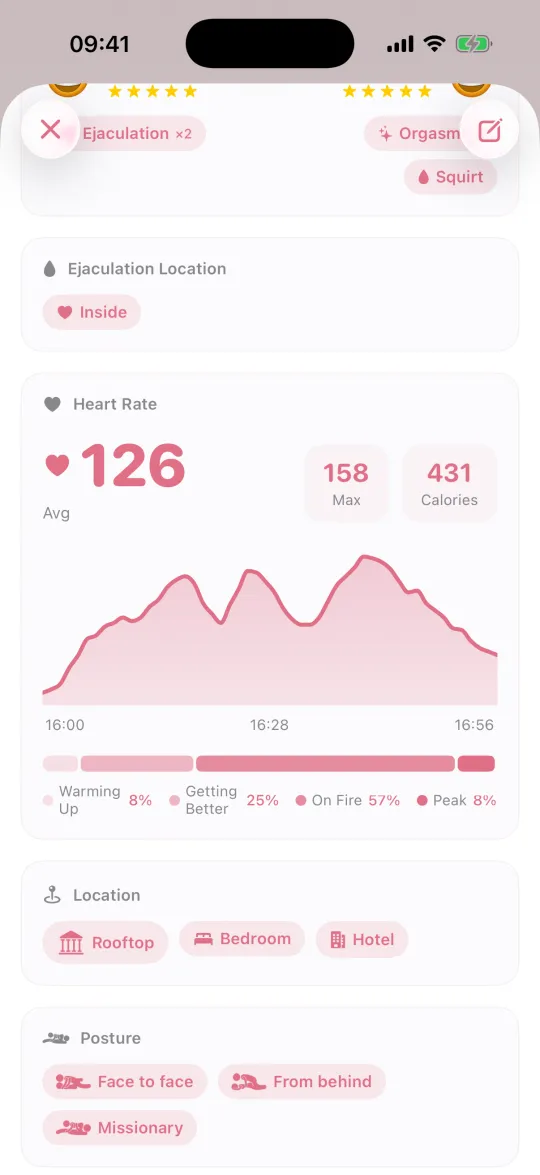
A located record opens with the map, the weather and the exact span of time. Heart rate is drawn as one continuous curve — drag along it and read your BPM and intensity zone at any second.
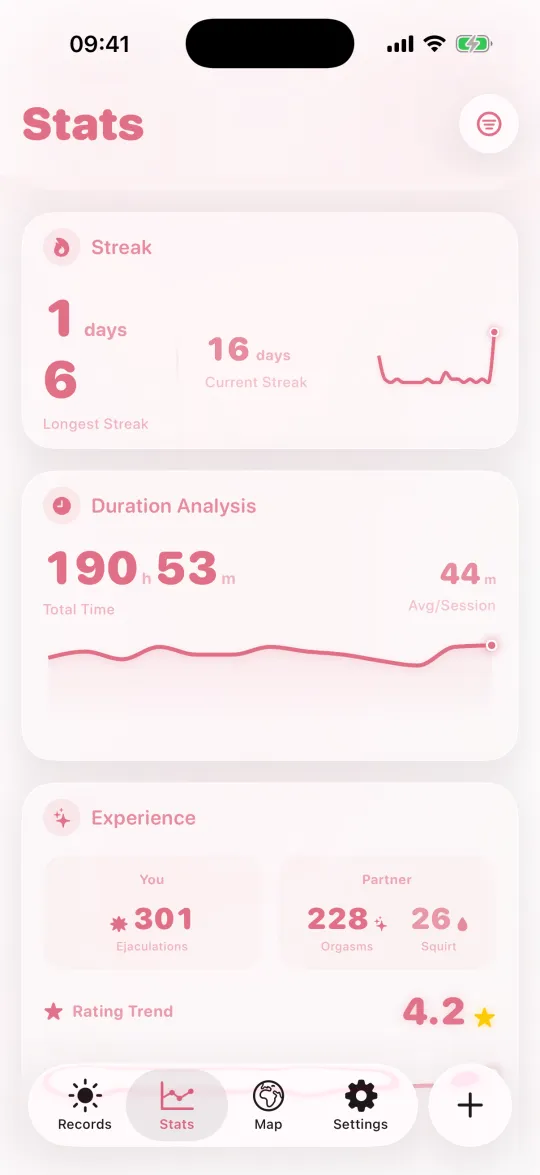
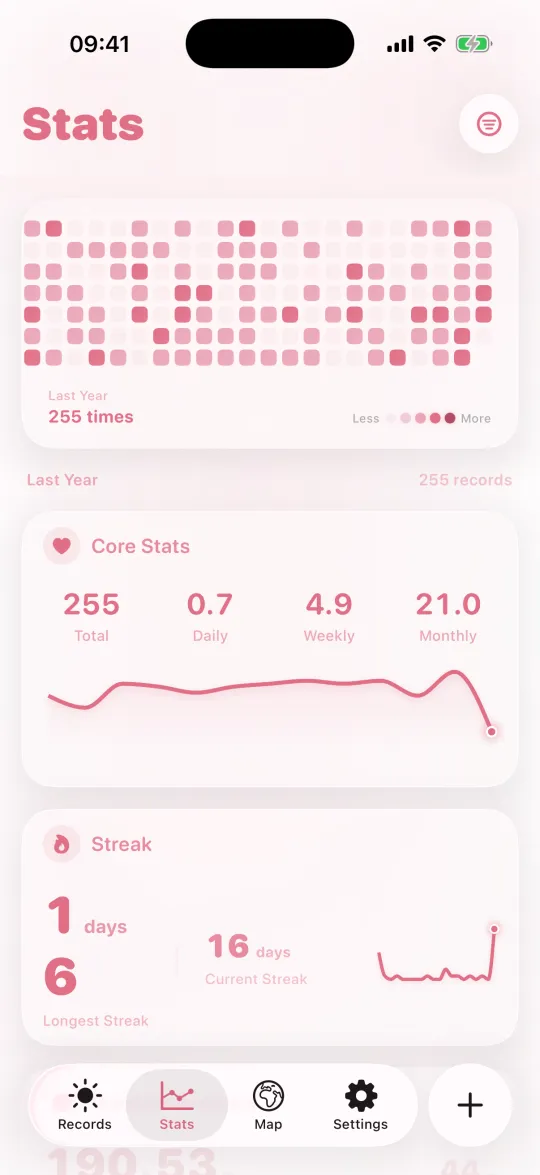
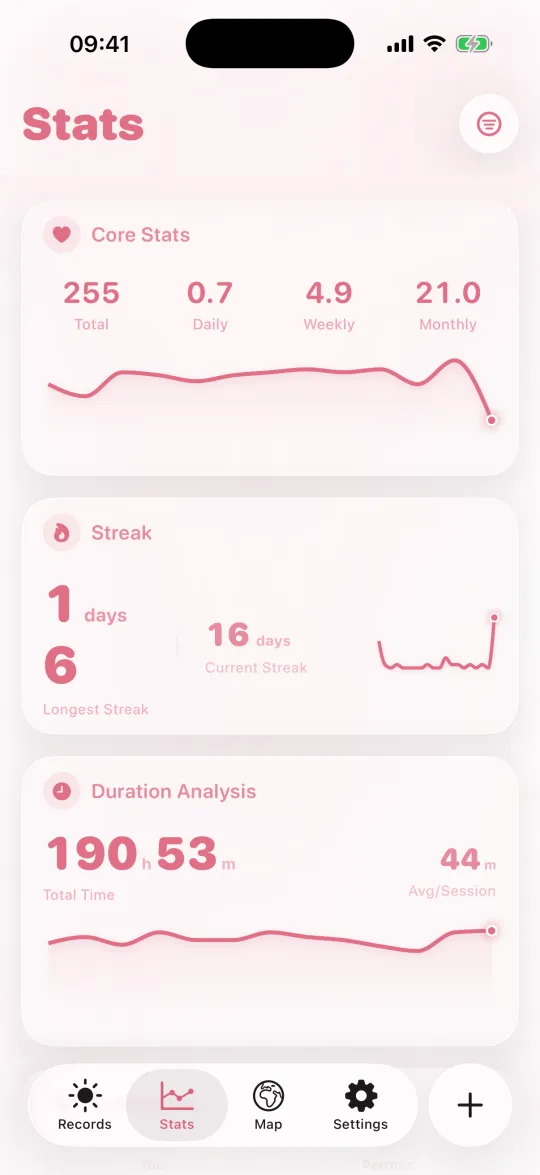
See frequency, duration and rating trends at a glance. A calendar heatmap marks every day, ten-plus stat cards add up your streaks and personal records, and you can narrow the whole thing down to one partner — or to solo.
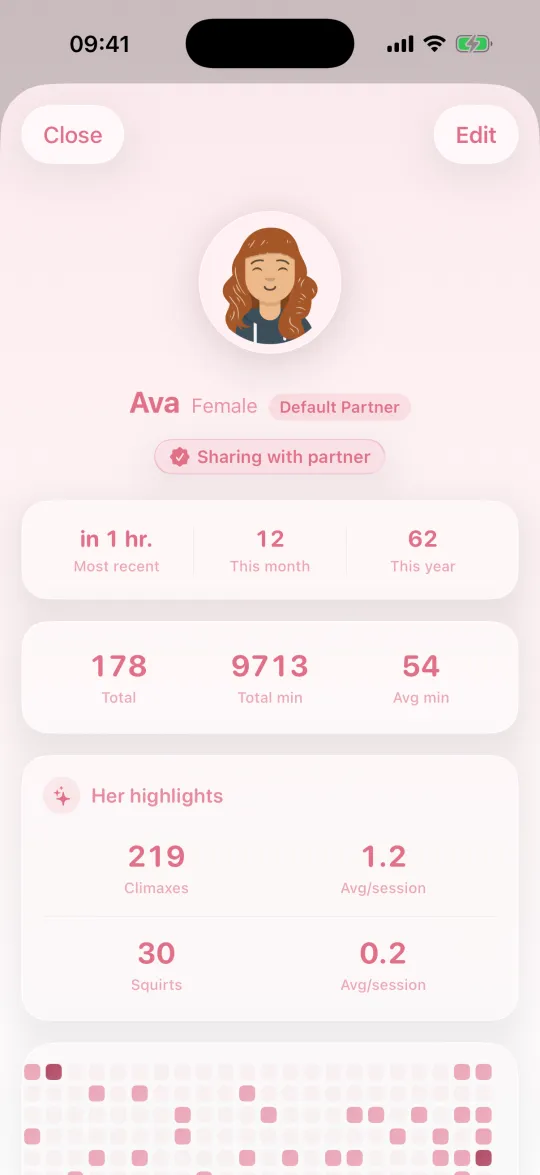
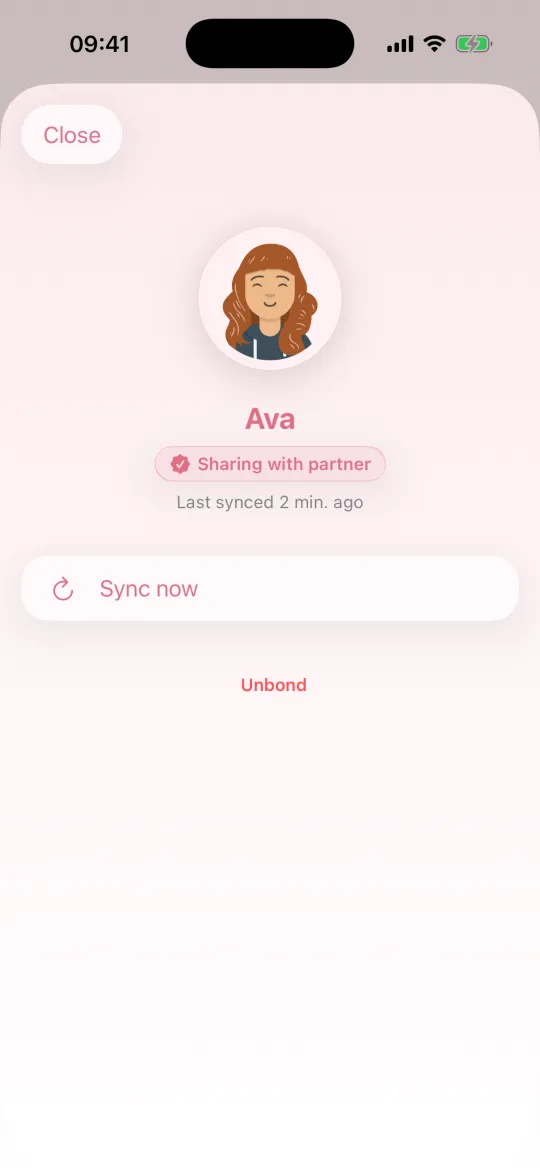
Bond with your partner and each of you writes your own side — kept privately in sync between the two of you. You write yours, they write theirs; together they make one record. Unbond anytime.
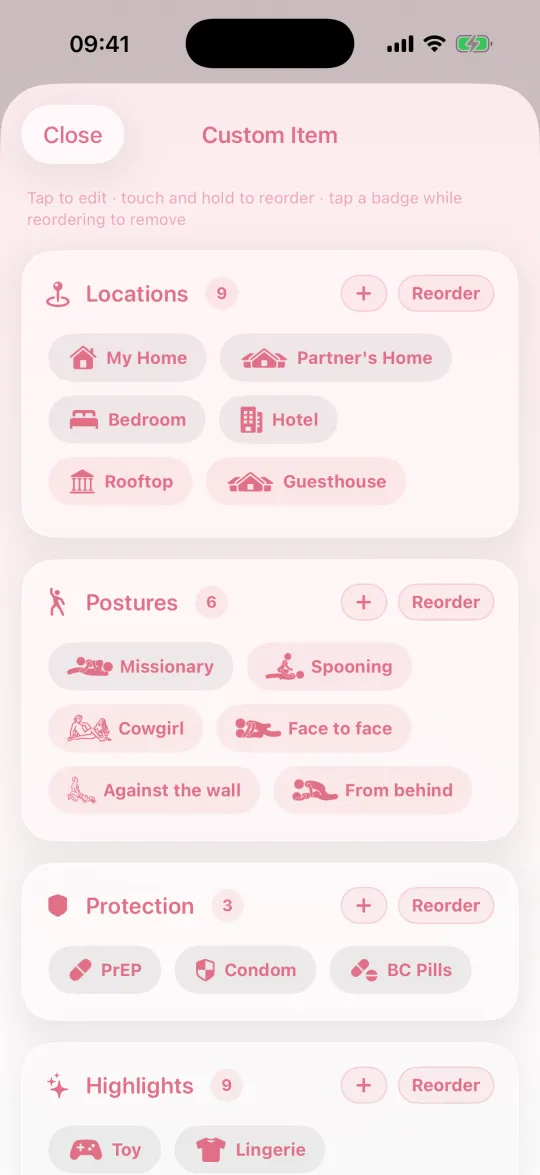
Give a place, a highlight or a posture an icon you made — upload a photo and the subject gets cut out for you, or just draw one by hand. Monochrome icons follow your theme colour. Postures come with almost a hundred figures, solid and outline. And protection methods, at last, are yours to name.

Five themes — Rose, Ocean, Sage, Lavender, Amber. The app icon changes too, light and dark follow your system. Switch a theme up top — the whole site changes with it.
 Rose
Rose
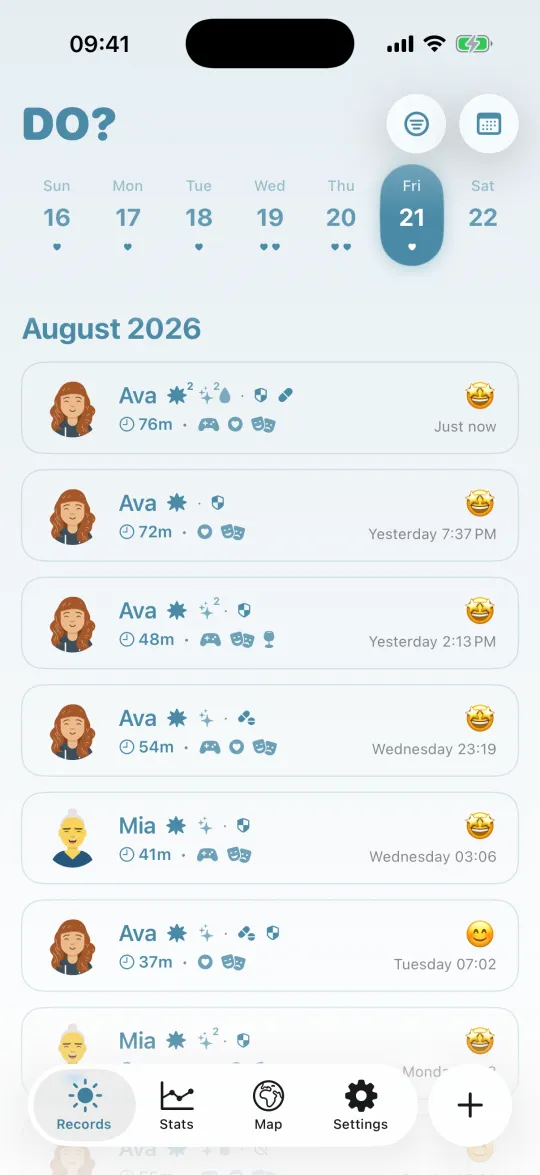
 Ocean
Ocean
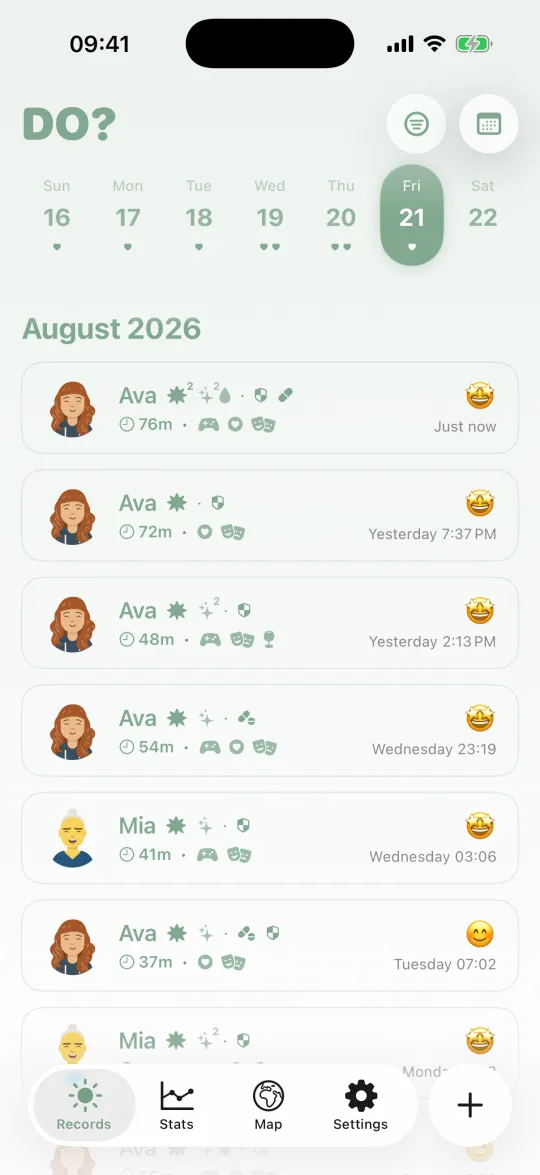
 Sage
Sage
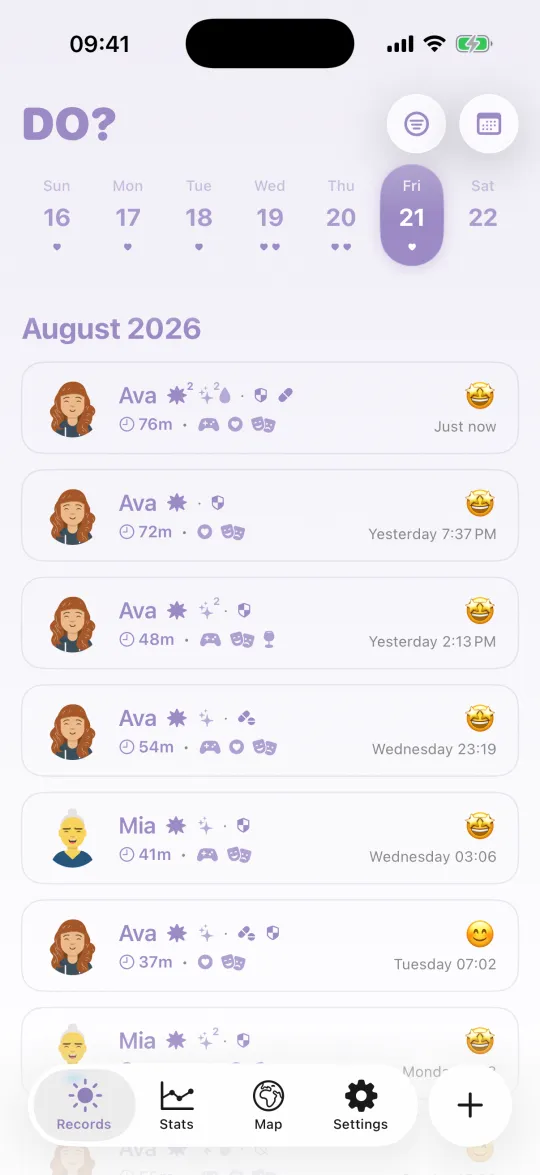
 Lavender
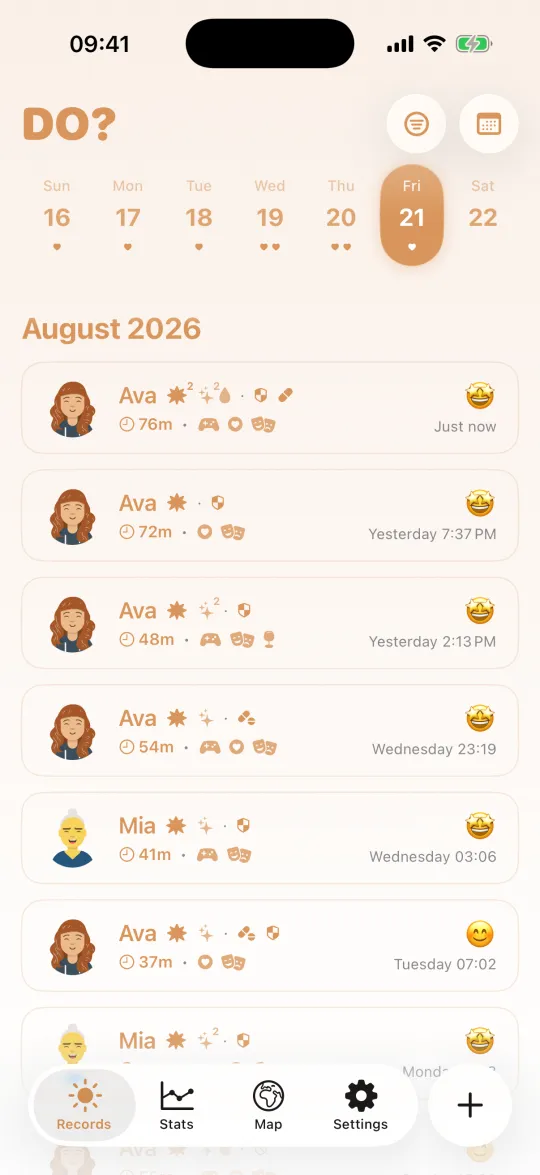
 Amber
Amber
Do? is one app for iPhone, Apple Watch and iPad. The same records, with more room to read them — the map, the curves and the stats all get bigger.
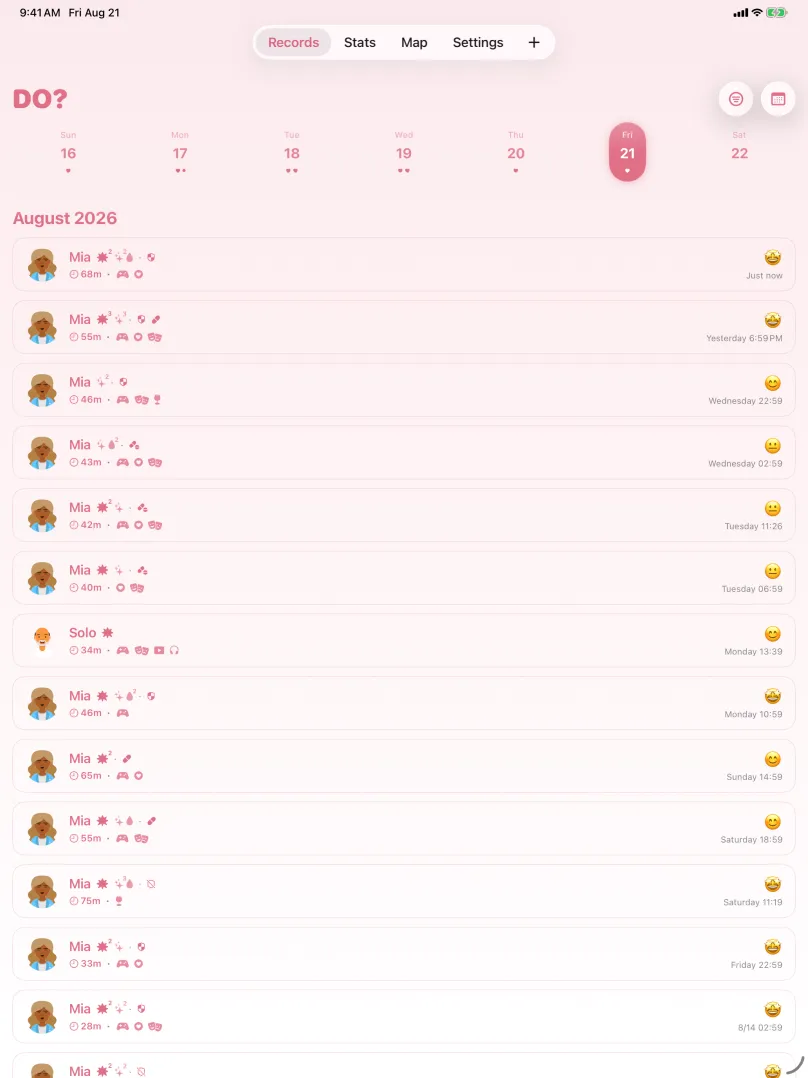

Do needs no account, collects none of your records, and has no ads or third-party tracking.
Open and go. No email, no phone number, nothing that identifies you.
Records stay on your device, protected by iOS. Delete the app and they leave with you.
Face ID, Touch ID, or a passcode separate from the one that unlocks your phone — and you choose how soon it locks.
Sync runs through your own private iCloud, on or off as you like, and you can export a full backup any time.
Basic recording is free. Apple Watch, health heart rate, advanced stats, the location map and couple sharing come with a subscription or one-time buy.